
Microsoft Doesn't Back Up Your 365 Data. You Do.
Under Microsoft’s own shared responsibility model, user data protection is your responsibility. Start protecting your top 10 users free. No credit card, no obligation.
Learn why you’re responsible ↓
THE SHARED RESPONSIBILITY MODEL
What Microsoft Covers & What They Don't
This isn’t marketing language. It’s Microsoft’s own shared responsibility model. Here’s exactly how the split works.
MICROSOFT IS RESPONSIBLE FOR
Infrastructure & Availability
- Physical datacenter security and hardware
- Application uptime and service availability
- Global infrastructure and network reliability
- Short-term recycle bin and version history
YOU ARE RESPONSIBLE FOR
Your Data & Recovery
- Emails, files, Teams messages, SharePoint content
- Retention configuration
- Recovery after deletion
- Protection from ransomware
There's No Reason Not to Start
Protect your most critical accounts at zero cost, zero friction, and zero commitment.
Free for 10 Users
Protect your top 10 most critical accounts at no cost.
5-Minute Setup
Connect your M365 tenant, backups begin immediately.
Upgrade When Ready
Need more users? More storage? Unlock it anytime.
WHY BACKUP MICROSOFT 365
Under the Shared Responsibility Model, Recovery Depends on You
Recovery is only possible if you maintain an independent backup copy of your Microsoft 365 data.
Accidental Deletion
Users permanently delete email, files, or entire mailboxes. Once the recycle bin window closes, recovery without a backup may not be possible.
Security Events
Ransomware or malicious activity can encrypt or alter data. Recovery depends on having a separate backup copy that can’t be touched by attackers.
Retention Gaps
Microsoft 365 retention policies don’t guarantee long-term, independent recovery in every scenario especially across mailboxes and versions.
Departing Employees
When a user is offboarded and their license removed, their data can disappear before anyone notices. Backup preserves it automatically.
"We haven't needed it yet"
Sound familiar?
Most companies don’t need backup. Until they do.
Starting with 10 users costs nothing. Waiting can cost everything.
No credit card required. Cancel or upgrade at any time.
HOW IT WORKS
Start protecting in 3 simple steps
Sign up. Configure. Restore with ease. Backup doesn’t have to be a burden.
1
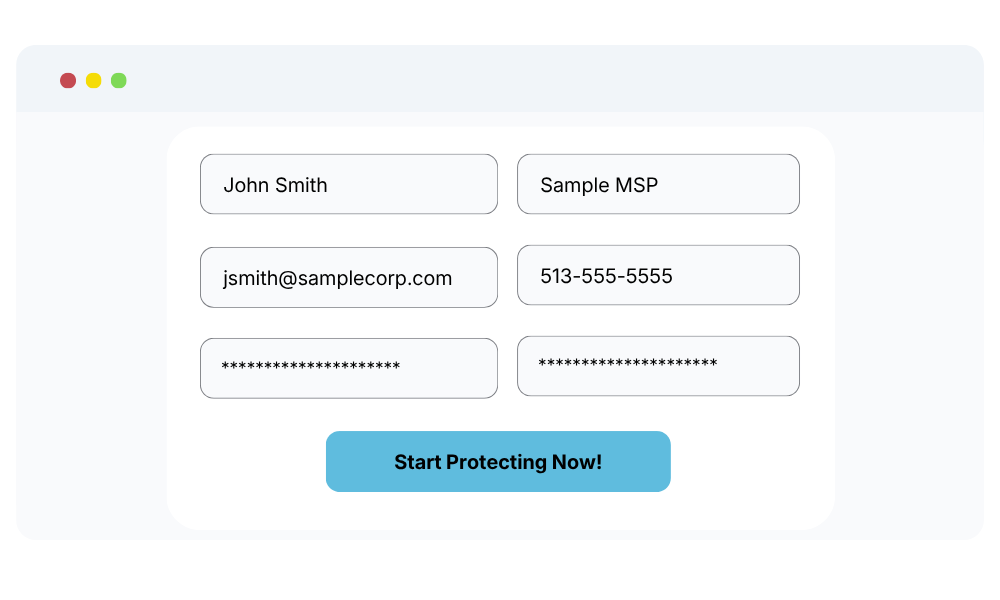
Lightning-Fast Setup
- Click "Register Now" and create your account
- Enter your details, no contracts required
- No sales calls, no surprises
2
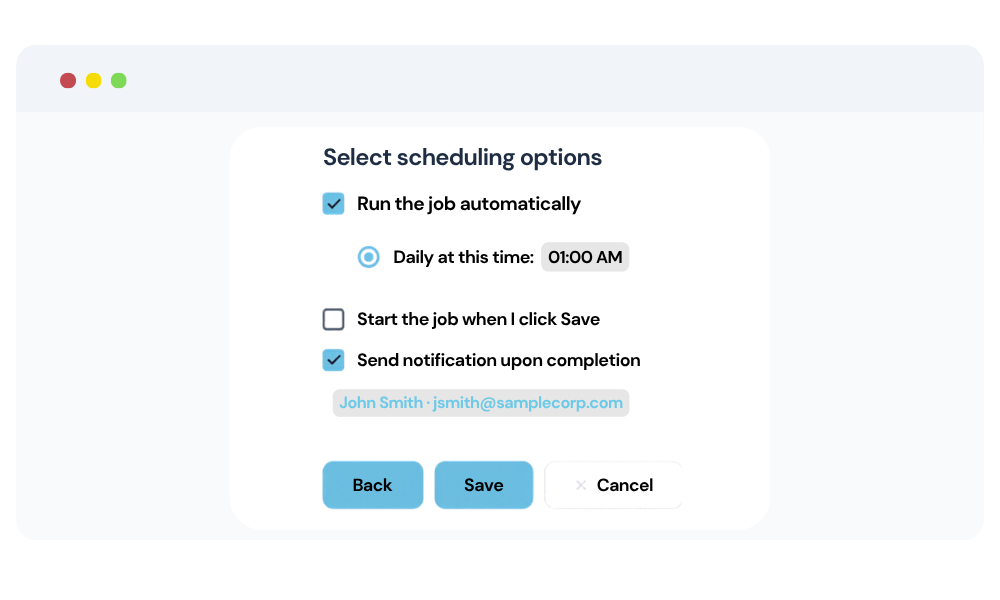
Configure Your Backup Plan
- Select M365 services
- Set your retention period and backup schedule
- VMOBACKUP begins backing up automatically
3
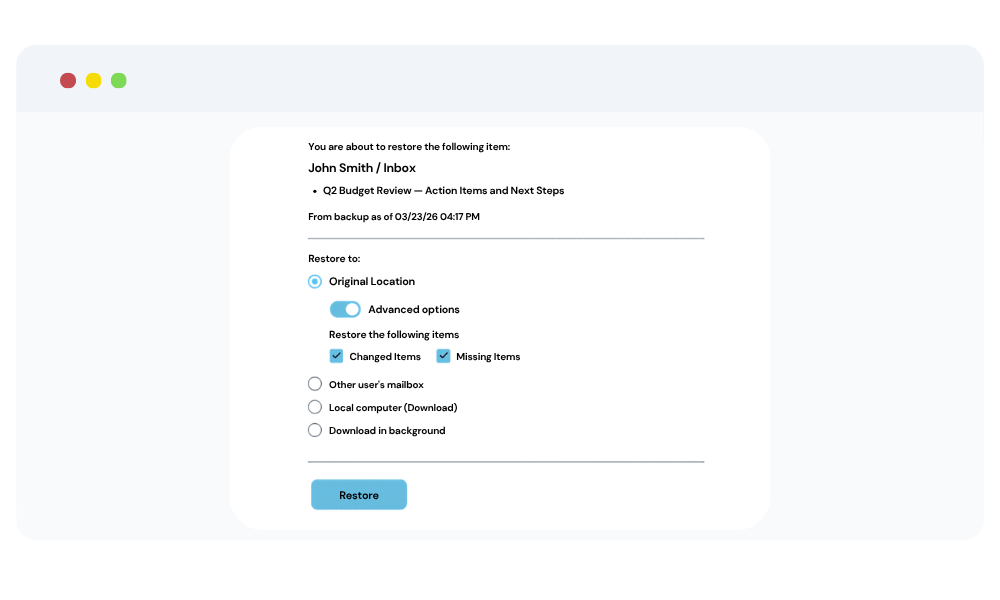
Quick and Reliable Recovery
- Search and locate specific files, emails, or mailboxes
- Click Recover — data restored within minutes
- Minimize downtime and ensure business continuity
Start Protecting Your Critical Users Today
Free for up to 10 users. No credit card. No sales call. Set up in under 10 minutes.